
Application Process for the 2026 Entrance Exam

ÉTAPE 1 : Dépôt de la preuve de paiement des frais de concours / STEP 2: Submission of proof of payment
- Payer les frais de concours à la banque CCA : RIB (Relevé d’Identité Bancaire) N° 10039-10012-00272769801-29, respectrivement Code Banque-Code guichet-N° compte clé (N.B : Payer avec le nom du candidat) / Pay the exam fees to CCA Bank; the bank account number is 10039-10012-00272769801-29 (Bank Code-Branch Code-Account Number). (Note: Please make the payment in the candidate’s name.)
- Scanner le reçu au format pdf, png, jpeg ou jpg. / Scan the receipt as a PDF, PNG, JPEG or JPG file.
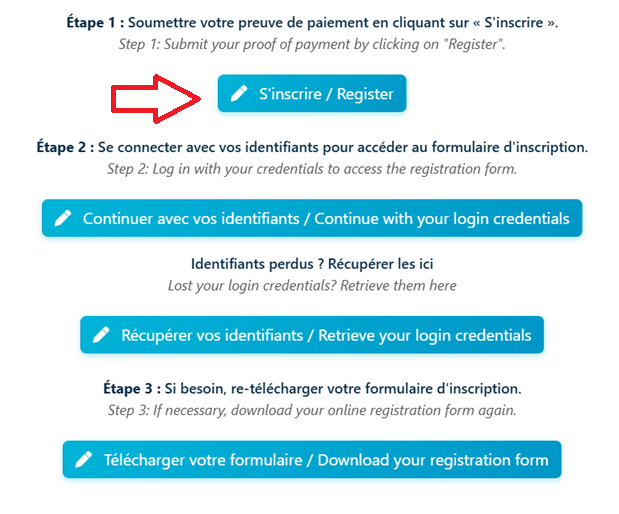
- Se rendre sur le lien www.concours.enstmo-univ-ebwa.cm et cliquer sur « S’inscrire » / Go to the link www.concours.enstmo-univ-ebwa.cm and and click “Register”
- Remplir le formulaire et valider / Fill out the form and submit it
- Attention : Relever vos identifiants de connexion avant de fermer la page / Warning: Make a note of your login credentials before closing the page
- Patienter (quelques minutes à quelques heures) avant de vous connecter avec vos identifiants / Please wait a few minutes (or hours) before logging in with your credentials
ÉTAPE 2 : Formulaire de candidature / Application form
- Scanner votre photo 4×4 sous forme de fichier JPG/JPEG/PNG (2 Mo maximum). La photo doit être récente, en couleur et sur fond blanc. / Please scan your photo in 4×4 format as a JPG/JPEG/PNG file (maximum 2 MB). The photo must be recent, in color, and on a white background.
- Connecter vous avec vos identifiants (www.concours.enstmo-univ-ebwa.cm). / Log in using your credentials (www.concours.enstmo-univ-ebwa.cm).
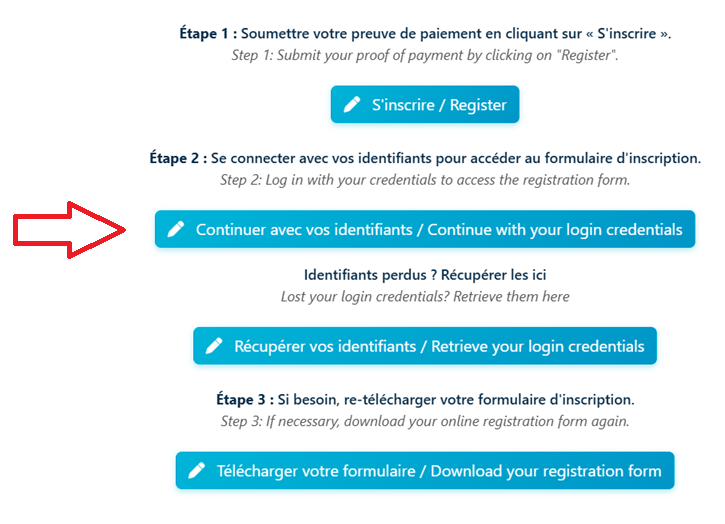
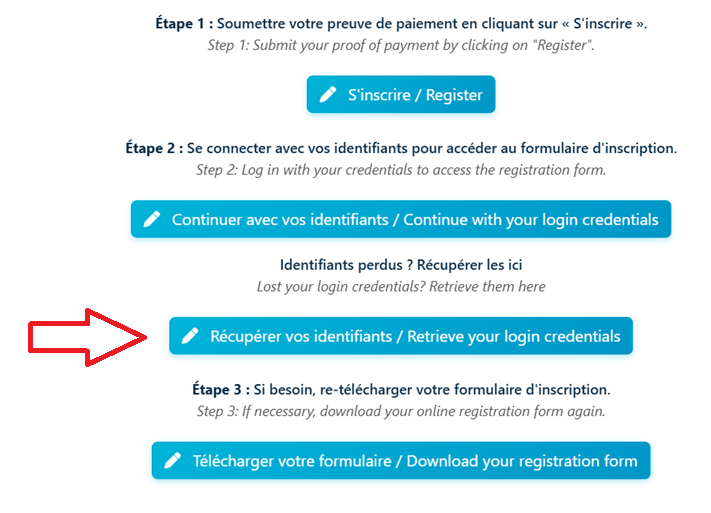
- Si vous avez perdu vos identifiants, vous pouvez les récupérer en cliquant sur « Récupérer vos identifiants » / If you’ve lost your login credentials, you can retrieve them by clicking “Retrieve Your Login Credentials”.
- Compléter le formulaire et valider vos informations après vérification / Fill out the form and confirm your information after reviewing it.
- Télécharger le recepissé d’inscription / Download the registration receipt.
ÉTAPE 3 : Imprimer votre recepissé d’inscription / Print Your Registration Receipt
- Imprimer le recepissé d’inscription / Print the registration receipt.
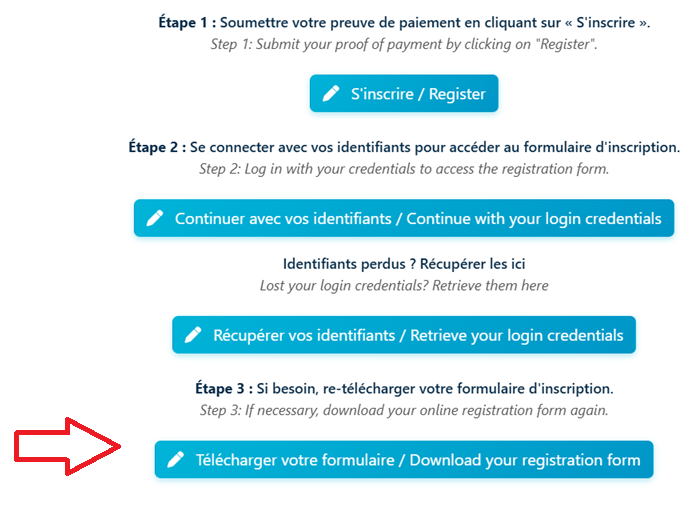
- Si vous avez perdu votre recepissé d’inscription, vous pouvez le télécharger à nouveau en cliquant sur « Télécharger votre formulaire » / If you have lost your registration receipt, you can download it again by clicking “Download your registration form.”
ÉTAPE 4 : Dépôt du dossier de candidature / STEP 4: Submission of the application
- Rendez vous dans une Délégation Déparatementale du Ministère des Enseignements Secondaires (MINESEC) ou au bloc Administraif batiment A de l’ENSTMO à Kribi pour déposer votre dossier / Please visit a Departmental Office of the Ministry of Secondary Education (MINESEC) or the Administrative Building (Building A) at ENSTMO to submit your application.
